


 EN
EN NL
NL عربي
عربيYour first conversation with the Taaly Jobs assistant on WhatsApp
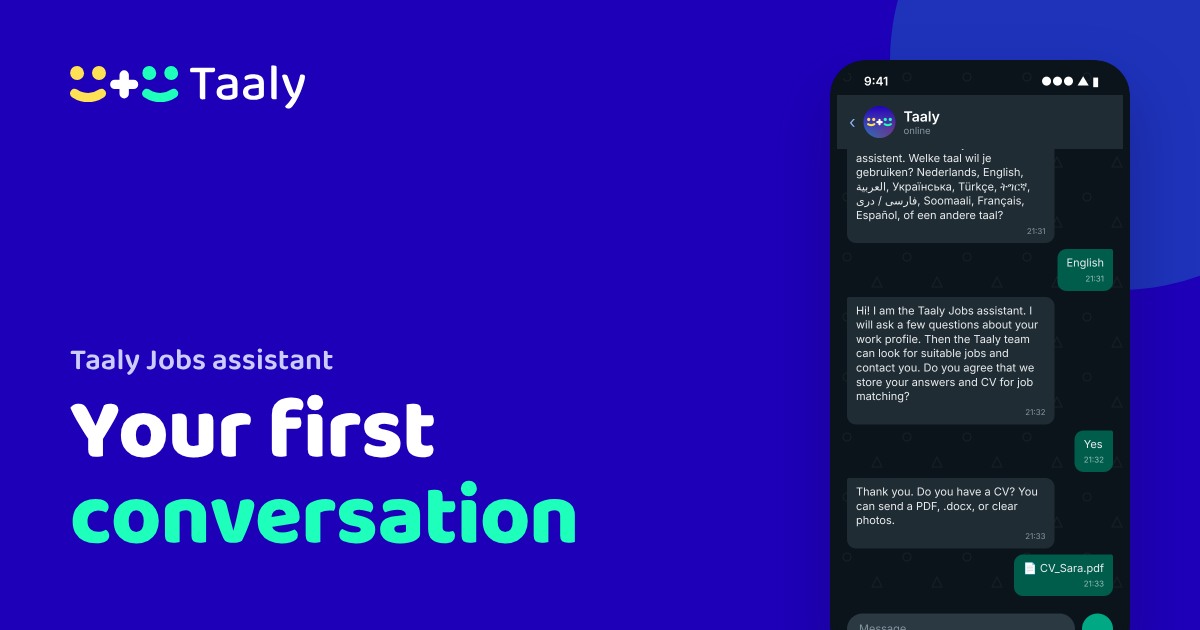
The Taaly Jobs assistant on WhatsApp answers your questions about working in the Netherlands and builds your work profile, in your own language. This tutorial walks you through a conversation, screen by screen. The screens show an example conversation.
Step 1: send “Hallo”
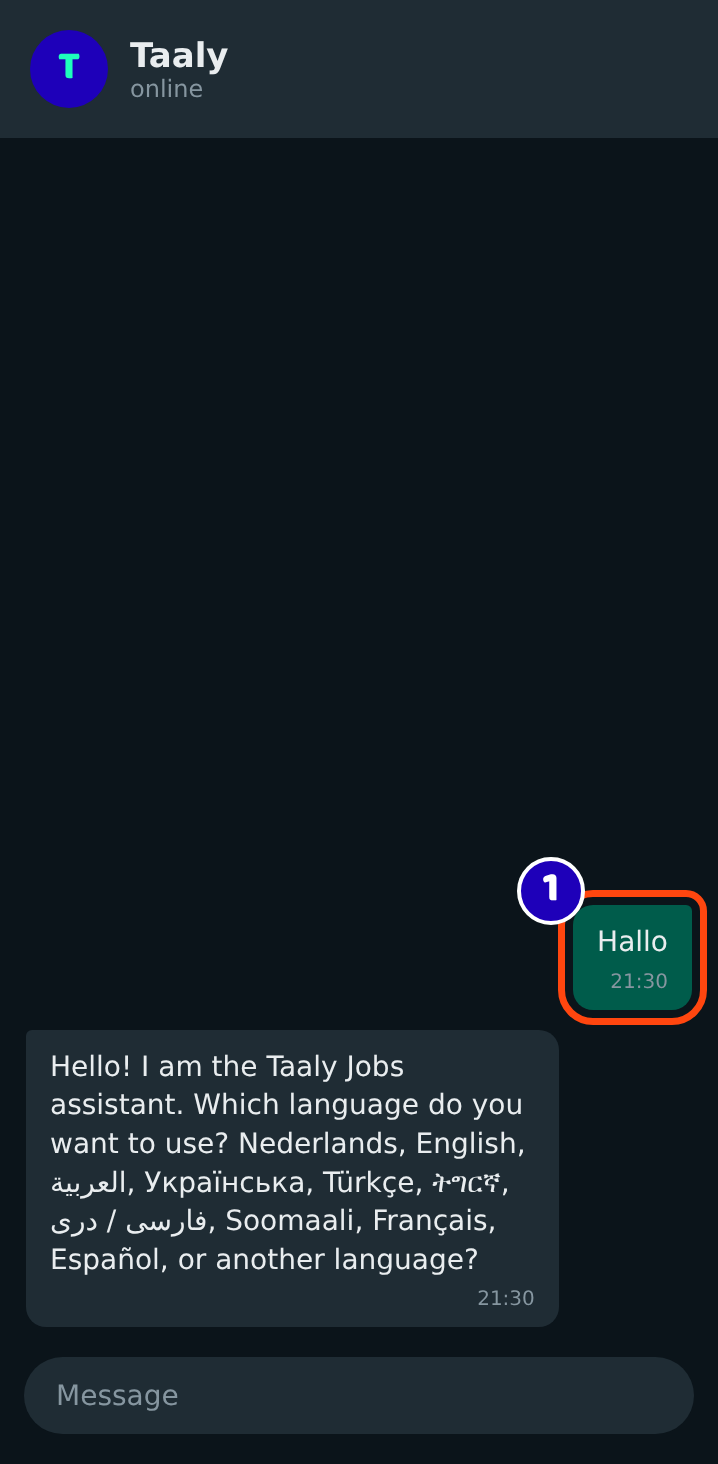
Save +31 6 53988594 in your phone as “Taaly” and send any message, for example “Hallo” (1). You do not need the Taaly app or an account. The assistant replies within seconds and asks which language you want to use. Just type it, for example “English” or “العربية”.
Step 2: say yes to saving your answers
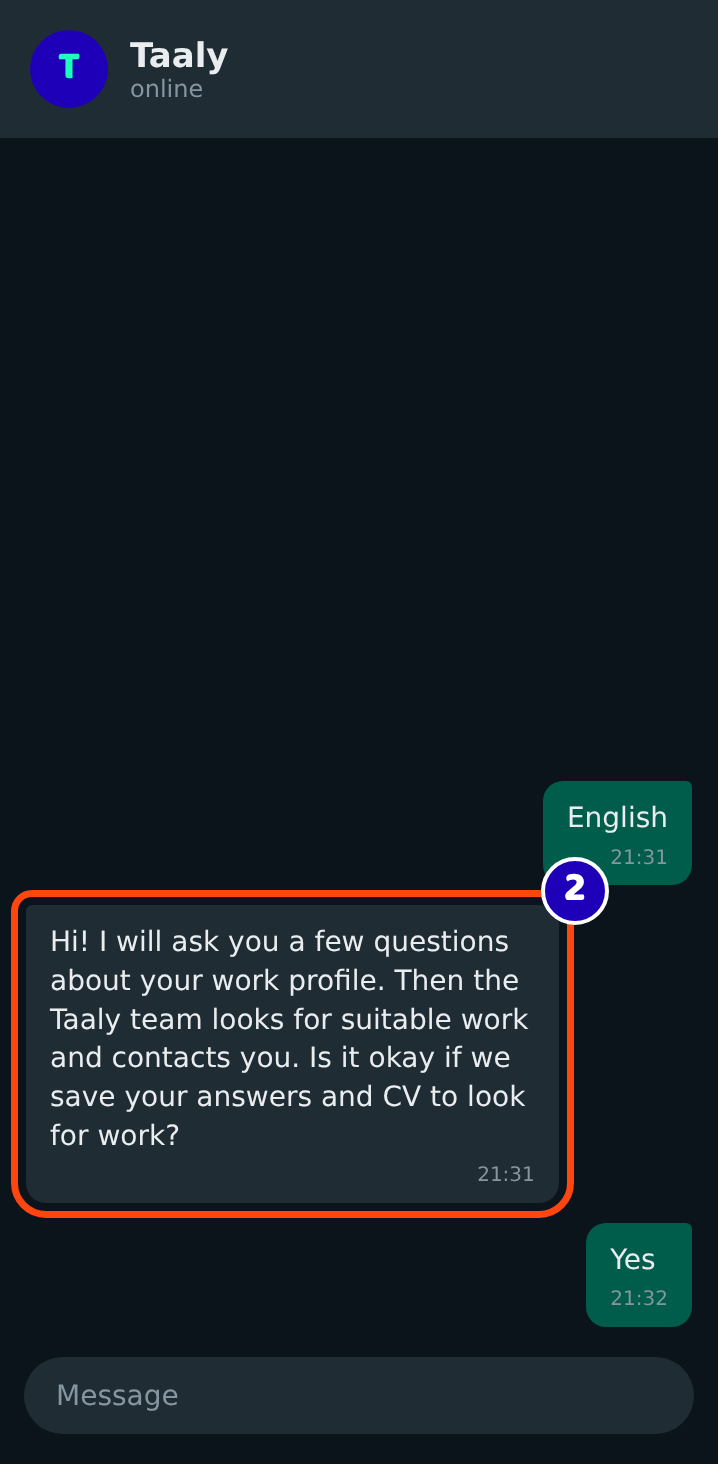
Before it saves anything, the assistant asks your permission (2). It explains that the Taaly team will look for suitable work and contact you. Answer “Yes” to build your profile. If you say no, nothing is stored, and you can still ask questions about work.
Step 3: send your CV or answer the questions
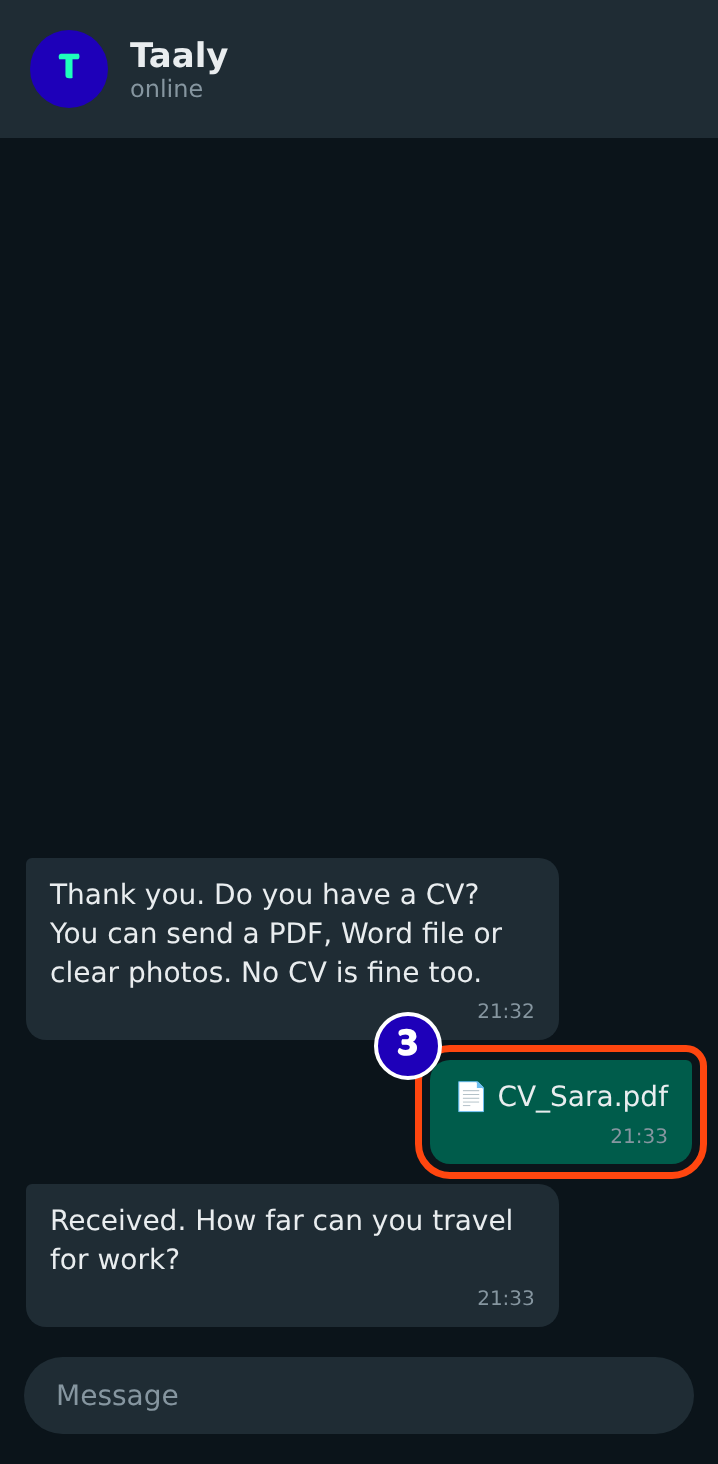
Do you have a CV? Send it as a PDF, Word file or clear photo (3). No CV? Say “no” and the assistant asks the questions one by one: your work experience, education, Dutch level, where you live, how far you can travel, how many hours you want to work and what work you want. It also asks whether you have a BSN and a residence permit that allows work. Never send your passport or ID, and never give your BSN number.
This takes about five minutes. You can stop whenever you want; when you write again, the assistant continues where you were. You can also ask a question in between, for example “what do I need to become a security guard?”
Step 4: check your profile
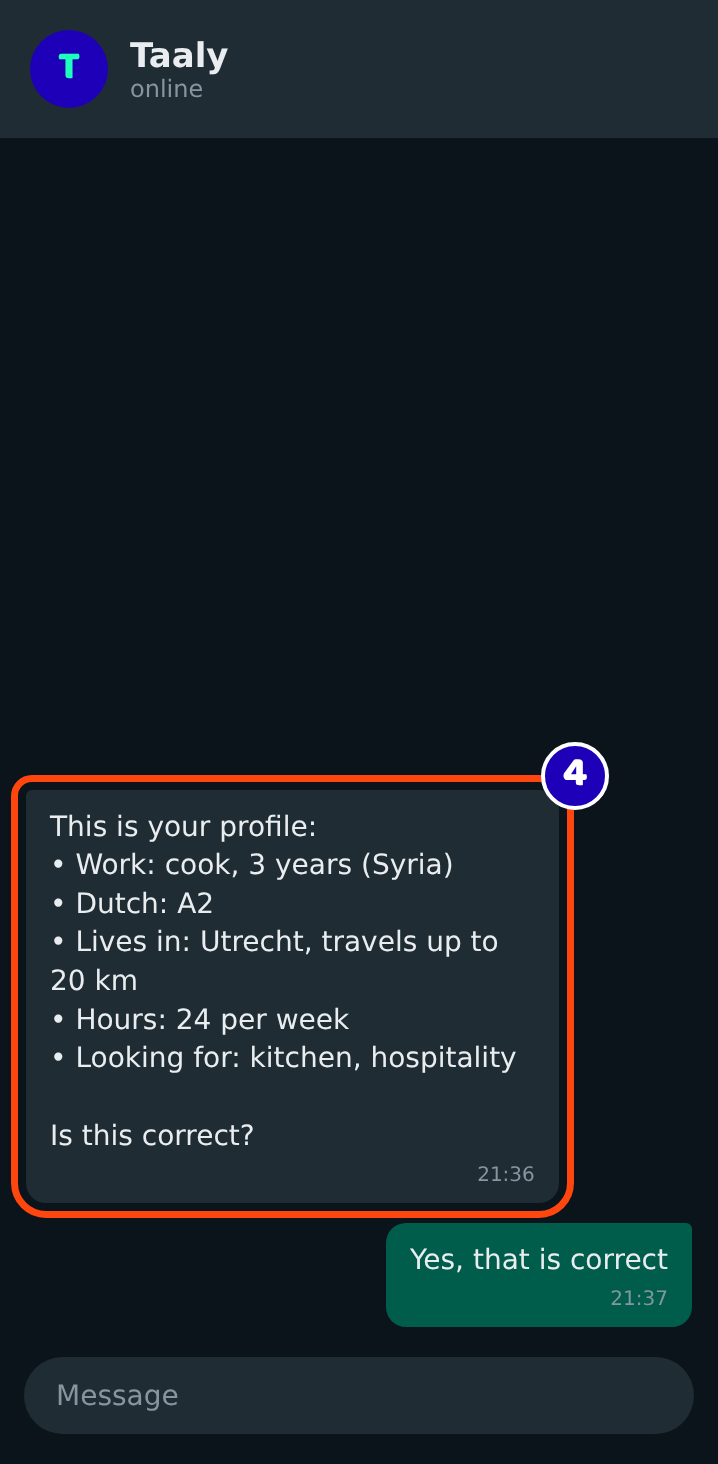
At the end, the assistant shows your profile (4). Read it calmly. Is something wrong? Say what needs to change. Is everything right? Confirm.
Step 5: a person at Taaly takes over
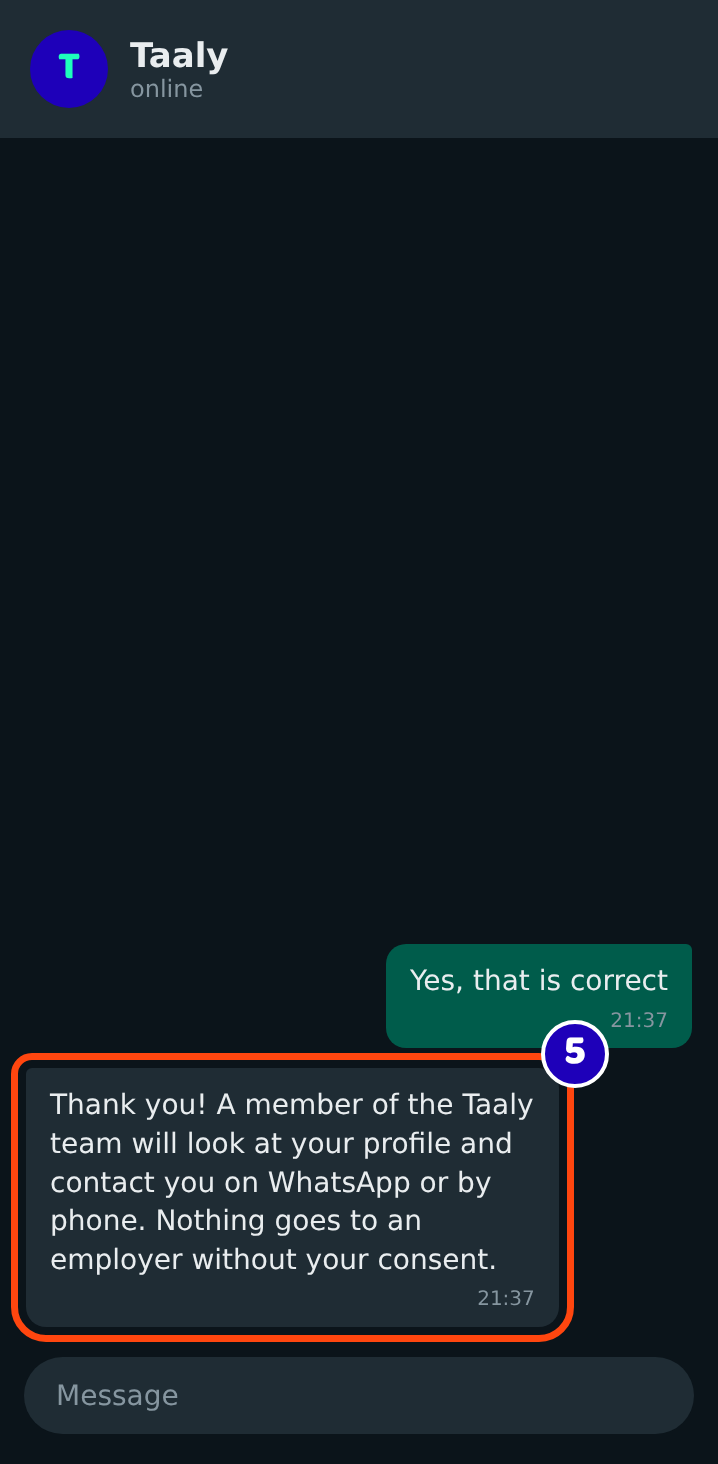
The assistant confirms that your profile is saved (5). A member of the Taaly team reads it and contacts you on WhatsApp or by phone about vacancies that fit. Nothing goes to an employer without your consent. We cannot promise a job, but a real person helps you with the next steps.
Questions?
Read the questions and answers about the Jobs assistant. Do you have the Taaly app? Then you can also browse vacancies yourself: see how to use Jobs in the Taaly app.